3 min read

2026 Chromebook Shortage: How K-12 IT Leaders Can Protect Supply, Budgets, and Readiness

2026 Chromebook Shortage: How K-12 IT Leaders Can Protect Supply, Budgets, and Readiness

If you buy Chromebooks for a school district, you already know the hardest part is not the bid. It is landing the right devices, on the right date, at a price that still fits what your board approved.

As of February 2026, there are signs Chromebook availability may tighten more than many districts planned for. The main drivers sit upstream in the hardware supply chain, especially memory and storage components. When those parts get constrained or more expensive, manufacturers often adjust production volumes, pricing, and which device lines get prioritized.

TrendForce has reported steep increases in expected DRAM and NAND Flash contract pricing for early 2026. IDC has also flagged that constrained memory supply growth in 2026 can affect PC markets and pricing.

Even if your preferred Chromebook model is still listed in catalogs, availability can shift quickly. Planning around a potential Chromebook shortage in 2026 is a safer approach than assuming the usual summer delivery cycle will hold.

What a Chromebook Shortage Looks Like at the District Level

Most districts do not experience “a shortage” as one clear event. You see it as a chain of practical problems:

  • Delivery dates slip: Lead times extend, and shipments arrive after your planned summer rollout, sometimes after the first day of school.
  • Pricing becomes unstable: Quotes expire faster, and the final price changes between the initial quote and the purchase order
  • You get a different device than planned: Vendors substitute a “similar” model with different parts (keyboard layouts, wireless hardware, ports), which can affect imaging, compatibility, and repairs.
  • Supporting items are missing: Chargers, cases, and common replacement parts go on backorder, which can delay deployment even if devices arrive.

Industry reporting has connected memory market volatility to pressure across consumer electronics and personal computer shipments. For Chromebooks specifically, supply chain coverage has pointed to memory constraints while describing shipment expectations for 2026.

Three Moves K-12 IT Directors Can Make Now

Build flexibility into model approvals before you need it

If your approved device list depends on one specific model, you have a single point of failure. A more resilient approach is to pre-approve two Chromebook models that are truly interchangeable for instruction and support.

Set acceptable ranges for processor class, memory, storage, and screen size, then confirm both options work with your management policies, testing requirements, and classroom accessories. When one model backorders, you still have a path forward without rewriting plans mid-year.

Also, confirm the hardware differences that create downstream work. For example, a device with a USB-C port positioned where students tend to pull or bump the cable often leads to more damaged charging ports. A different keyboard layout or top-case assembly can require different replacement parts, which complicates stocking and slows turnaround when repairs spike.

Extend the life of devices you already own

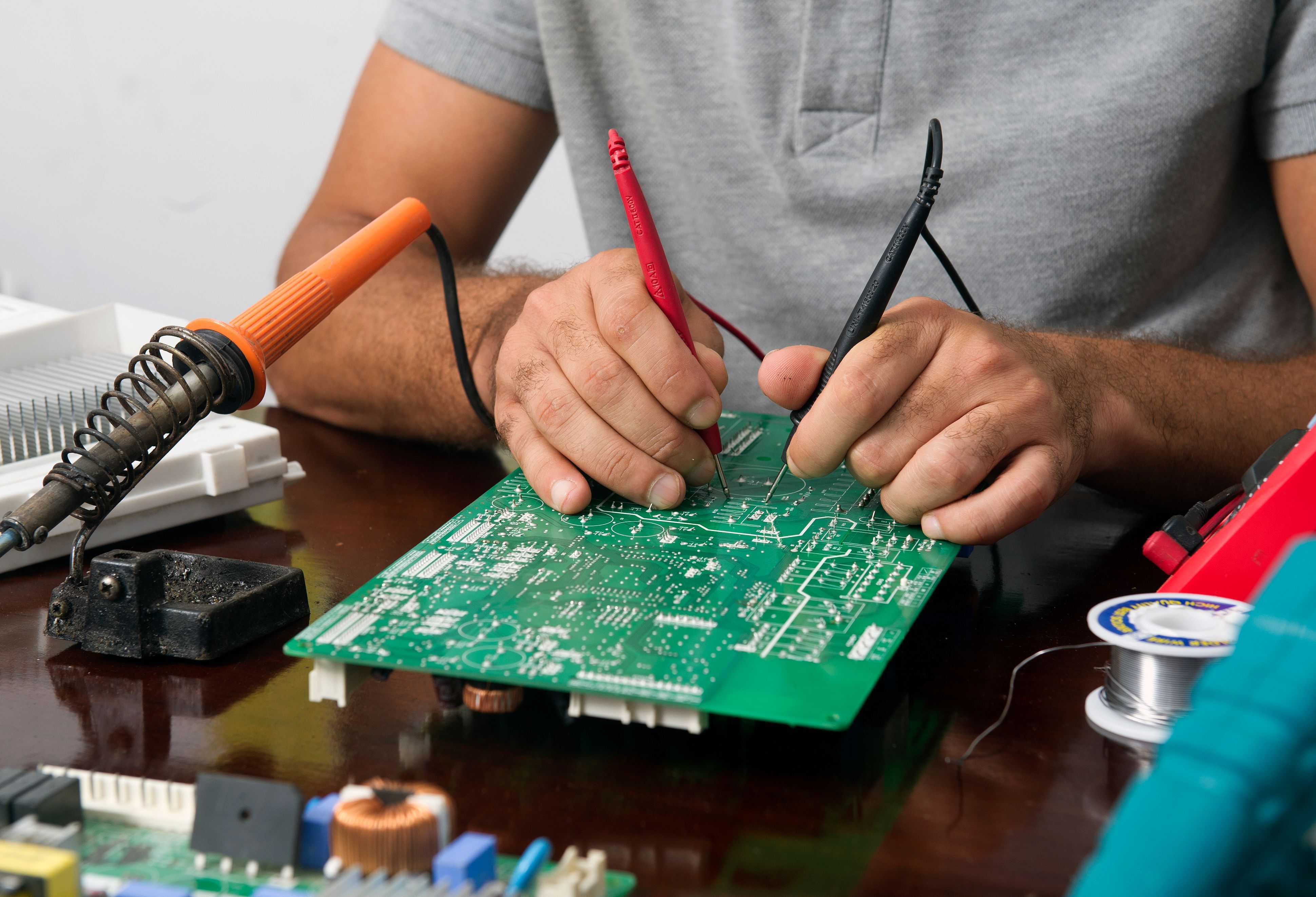
When supply tightens, keeping more devices in service buys you time. Many Chromebooks get retired early for issues that are straightforward to fix at scale: damaged screens, charging port failures, keyboards and trackpads, hinge damage, and battery problems.

If you can return even 10 to 20 percent of your “replacement-bound” devices to service, you create a buffer that helps you absorb delayed shipments and shifting prices. It also stabilizes staffing; repairs can be scheduled and batched, instead of forcing emergency imaging and deployment when an order lands late.

If your internal repair team cannot absorb peak volume, an external partner can take seasonal pressure off your team, especially during summer refresh and testing windows.

Common approaches districts use:

  • Pay-per-repair when you want flexibility and only send what you need. iTurity’s Pay-As-You-Go Device Repairs support that workflow.
  • Annual coverage when you want predictable budgeting across the year. iTurity offers School District Protection Plans built for district fleets.

Use Auto Update Expiration to keep repair dollars targeted

In a constrained supply year, it is easy to over-invest in devices that are near the end of supported life. Auto Update Expiration gives you a clean, defensible line for lifecycle decisions. Google publishes Auto Update Expiration dates by model.

A simple decision pattern holds up well in budget conversations:

  • If a device has meaningful Auto Update Expiration runway and needs a common repair, it is often worth saving.
  • If a device is near Auto Update Expiration and needs a high-cost repair, retiring it is usually the better use of funds.

This keeps repair budgets focused on devices that will remain supportable.

A Short Planning Checklist for Spring 2026

Procurement planning

  • Confirm lead times in writing, then plan for variance anyway
  • Approve two acceptable Chromebook models your team can support without reworking imaging and policies
  • Place orders early enough that delays do not break your summer deployment schedule

Fleet readiness

  • Identify the repairs that return devices to service quickly, and prioritize those workflows
  • Set a repair-versus-replace threshold that includes Auto Update Expiration and repeat-failure history
  • Maintain a buffer pool for new enrollments, testing windows, and surprise failures

Repair operations and accountability

  • Decide what your team will handle in-house and what should be sent out
  • Keep shipping and tracking simple; districts consistently ask for clear logistics and visibility into repair status
  • Require data handling safeguards, since districts remain responsible for student data even when devices leave district control

How iTurity Helps Districts Stay Ready When New Devices Are Harder to Get

When new Chromebook shipments arrive late or the model you counted on suddenly goes unavailable, repairs become your safety net. iTurity gives districts the logistics, tracking, and repair throughput to keep devices in students’ hands while procurement catches up.

Ready to take pressure off your team? Explore iTurity’s Protection Plans for predictable annual costs, or use Per-Occurrence Repairs to clear your current backlog and get devices back in circulation fast.


5 Signs a School Device Needs Repair Before It Breaks Completely

5 Signs a School Device Needs Repair Before It Breaks Completely

For IT Directors and school administrators, the cost of reactive device repairs usually outweighs the logistics of proactive maintenance. When a...

Read More
Benchmarking Turnaround Time: What Schools Should Expect from a Repair Partner

Benchmarking Turnaround Time: What Schools Should Expect from a Repair Partner

When you ship a crate of broken Chromebooks to your repair partner, does it feel like you are sending them into a black hole?

Read More
Best Chromebook Accessories for K-12 School Districts

Best Chromebook Accessories for K-12 School Districts

When a district deploys Chromebooks at scale, the same issues tend to repeat each year: corner damage from backpack drops, missing or damaged...

Read More