1 min read
How to Safely Remove Stickers, Tape, and Student Labels from Devices
Stickers, tape, and student labels are unavoidable in K-12 device programs. Chromebooks, iPads, and tablets cycle through hundreds or thousands of...

Device distribution day usually reveals the problems that should have been caught weeks earlier. A Chromebook that wasn't enrolled in your MDM, an iPad missing the right app restrictions, an asset tag applied crooked on top of a serial number. None of these are complicated to fix in staging but all of them become expensive to fix at the school. Getting the configuration process right before devices reach students is how IT teams reclaim that time and keep distribution day from becoming a live troubleshooting session.
Every device needs to be enrolled in your mobile device management platform before it leaves staging. For Chromebooks, that means enrollment through Google Admin Console with the correct organizational unit assigned. For iPads, Apple's education deployment documentation outlines how Automated Device Enrollment through Apple School Manager handles this at scale, provisioning devices with the right configuration profiles the moment they power on.
The enrollment step also sets the scope for everything that follows. Policies applied at the wrong OU level, apps pushed to the wrong grade-level group, or content filters left at default settings will generate a wave of help desk tickets within 48 hours of handout. Auditing those settings before distribution, not after, is the difference between a clean rollout and a reactive one.
Asset tagging is the step teams are most likely to rush or defer, and the one that creates the most long-term tracking problems when it slips. Tags need to go on before devices ship to schools, ideally while they're still in a controlled staging environment. Placement should be consistent across the entire fleet: same location on the chassis, always clear of the serial number and ventilation openings.
Beyond placement, the data matters. Each tag should link directly to a record in your asset management system with the device serial number, assigned school, grade level, and assigned student or cart. eSchool News outlines how K-12 IT leaders approach digital asset management challenges at scale, including the risk of wasted instructional time and financial loss when inventory control breaks down. Districts that skip the MDM-to-asset-management integration typically spend hours reconciling records at the end of each semester.
Before any device leaves your hands, run it through a defined set of checks:
The checklist serves two purposes: it catches errors before they become tickets, and it creates a defensible record that the device was in good working order at handout. That record matters when a student returns a damaged device and there's a dispute about pre-existing condition.
A checklist works for 50 devices. For 2,000, you need a staging workflow that can run in parallel without bottlenecks. That means clear workstation assignments, batch processing through MDM rather than device-by-device enrollment, and a defined sequence so techs aren't waiting on each other.
Districts that handle this in-house often find that pre-deployment work consumes most of a small IT team's August. For teams managing more than 1,000 devices, even a tight workflow requires significant staffing hours before the school year begins. iTurity's pre-deployment services handle enrollment, asset tagging, and staging off-site, so devices arrive at your schools ready to distribute rather than ready to configure.
A device that ships with a misconfigured policy or a missing app restriction doesn't generate one ticket. It generates one per classroom, per week, until someone tracks down the source. The upstream cost of a staging error is almost always higher than the time it would have taken to catch it in pre-deployment.
IT teams that build structured pre-deployment processes, or partner with a service that handles it for them, consistently report fewer day-one escalations and lower help desk volume through the first quarter. The configuration work that feels optional in late July becomes very visible in October.
For districts looking to scale this process without adding seasonal staff, the post on streamlining K-12 device rollouts without manual prep covers how outsourcing staging changes the labor math across a full fleet. If your district is evaluating pre-deployment services for K-12 student devices ahead of the next rollout, iTurity's team can walk you through what that process looks like for your fleet size and device mix.
1 min read
Stickers, tape, and student labels are unavoidable in K-12 device programs. Chromebooks, iPads, and tablets cycle through hundreds or thousands of...
1 min read
For school districts running 1:1 programs, device care conversations are constant. IT Directors, teachers, and administrators repeat the same...
1 min read
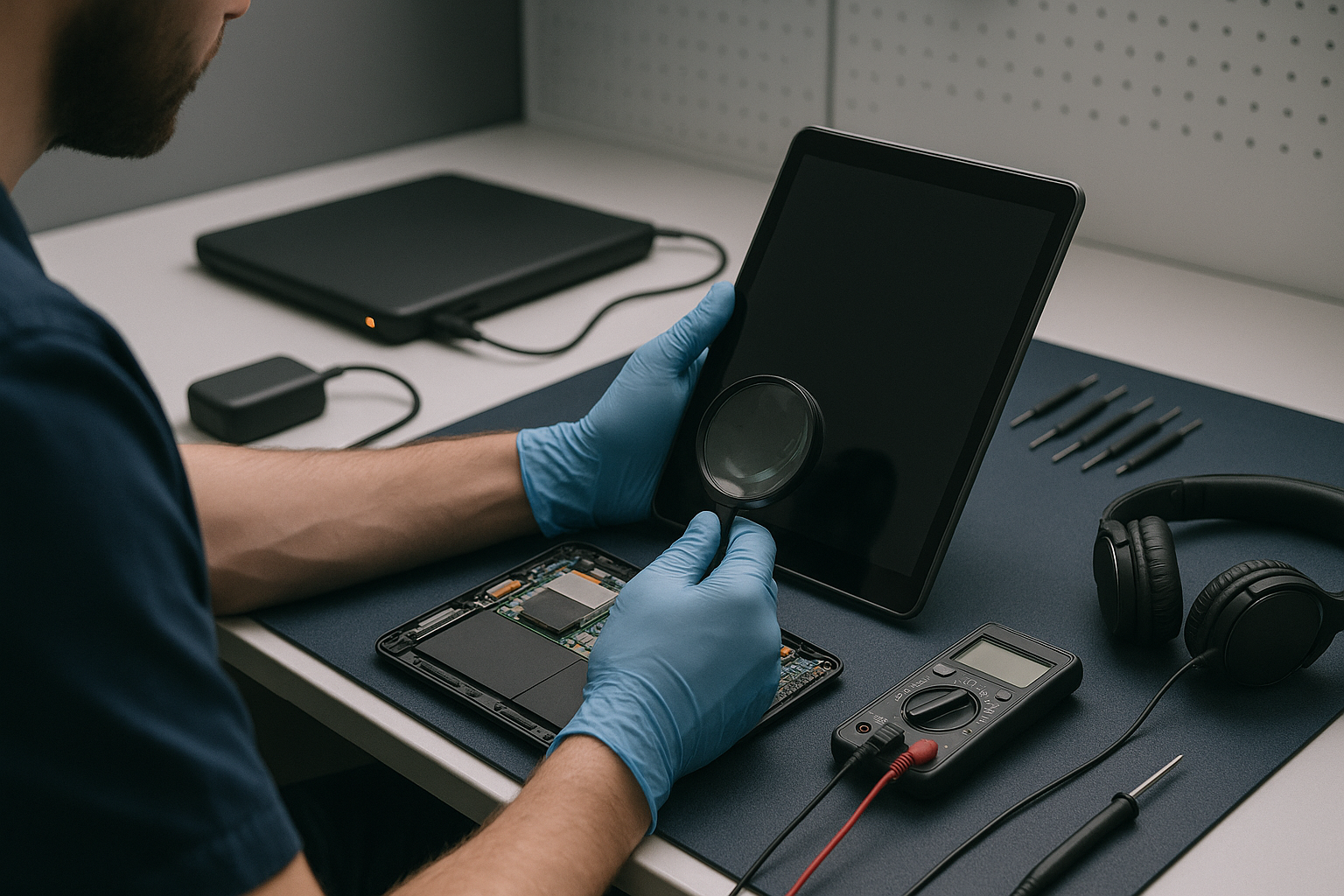
Having problems figuring out what is wrong with your devices that won’t turn on? Follow this guide to see what our technicians do in-house to figure...