3 min read
Common Motherboard Issues in K-12 Education Devices and What to Do
Max Villarreal : June 10, 2026
Motherboard failures are the repair category most IT directors dread. Unlike a cracked screen or a failed keyboard, a motherboard problem can look like almost anything, and the path from diagnosis to resolution is rarely straightforward.
For districts managing thousands of Chromebooks, iPads, or Windows laptops, understanding what causes motherboard issues and how to respond keeps instructional downtime short and repair costs predictable.
Why Motherboard Problems in School Devices Are Hard to Diagnose
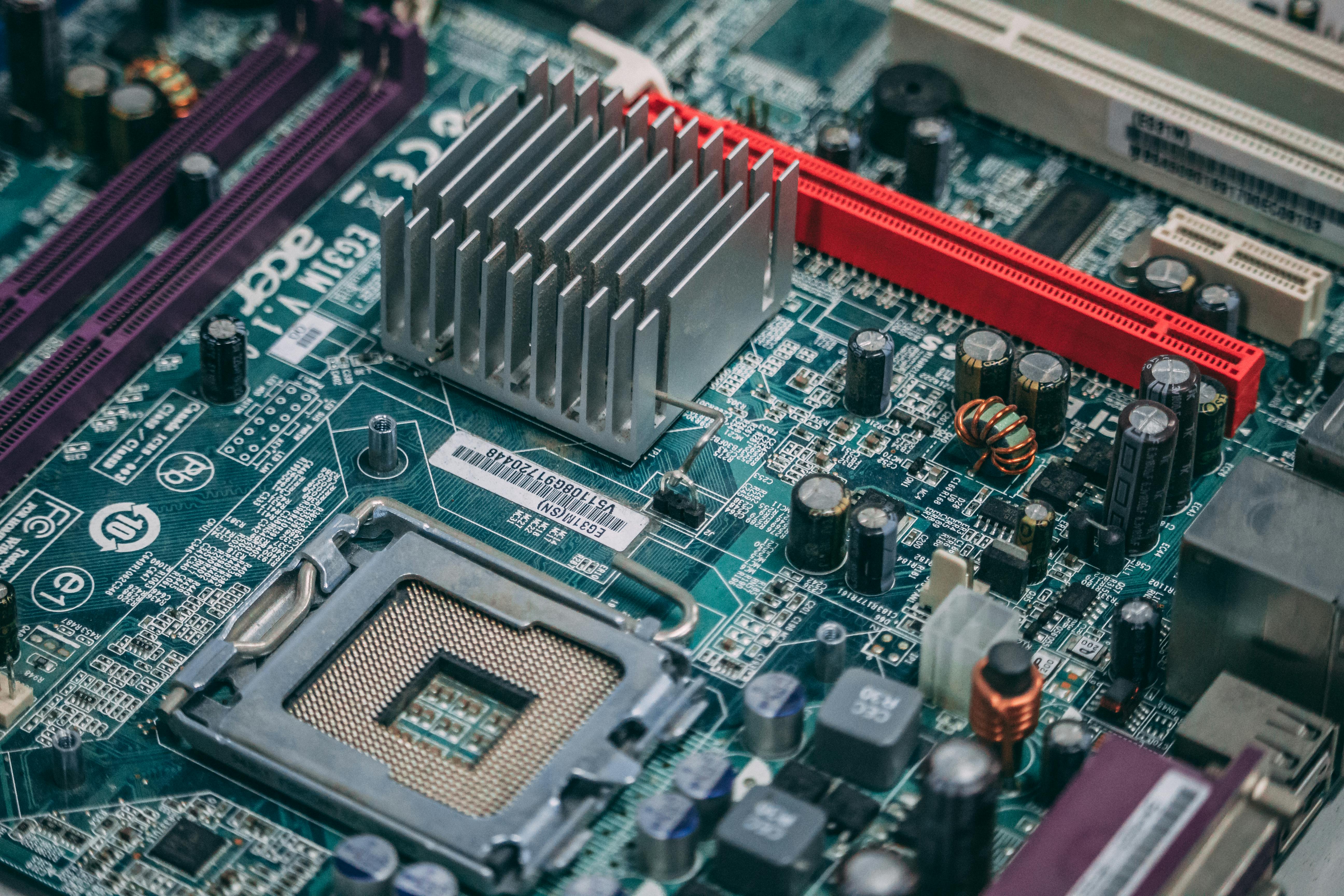
The motherboard is the central circuit board that connects every component in a device: the processor, storage, display, USB ports, and charging circuitry all flow through it. When the board is compromised, the symptoms can mimic failures in any one of those components. A device that won't power on might have a dead battery, a blown charging port, or a shorted power delivery circuit on the motherboard itself. A device with a black screen might have a display cable issue, or it might have a failing motherboard.
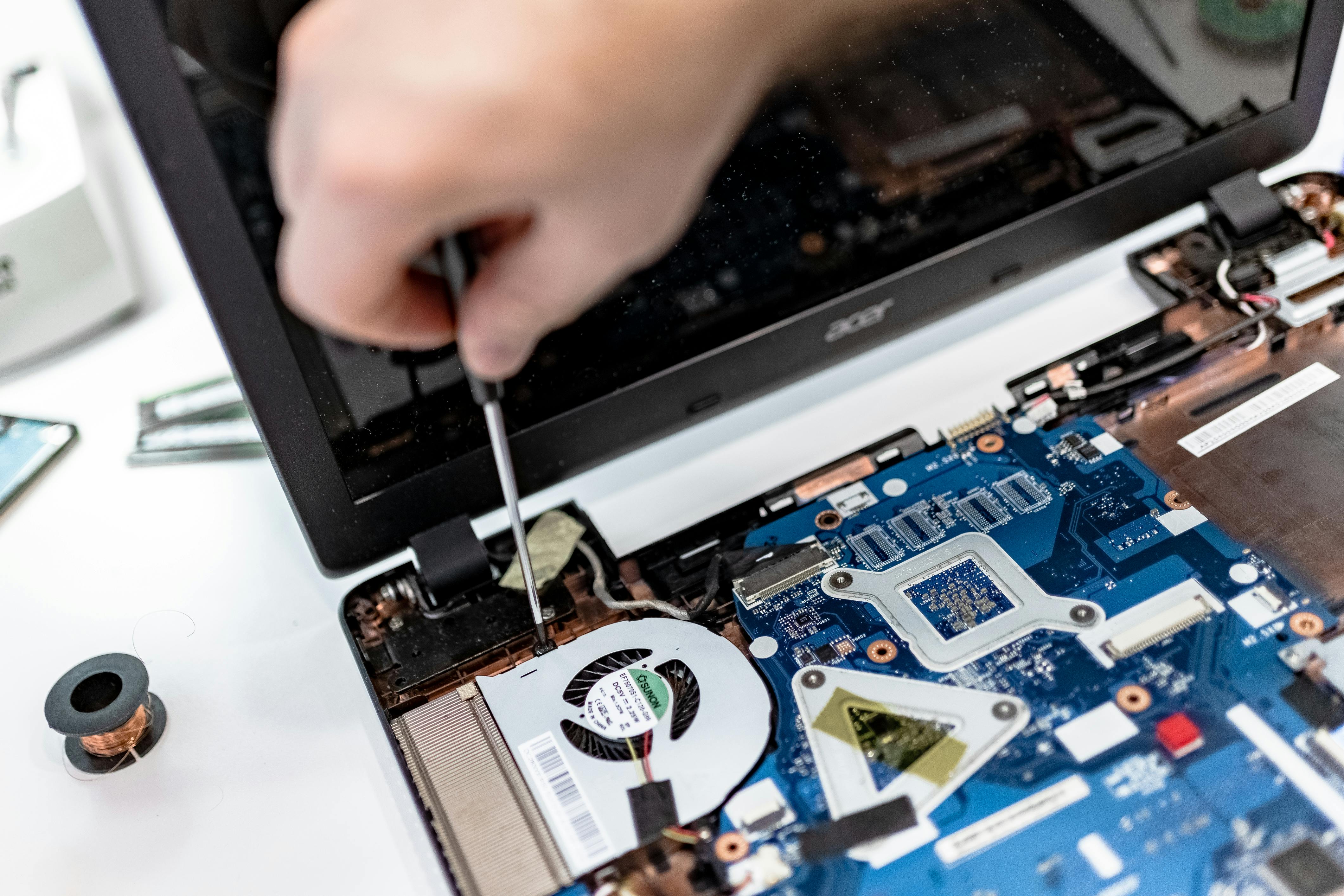
This ambiguity is exactly why motherboard problems generate longer bench time than most repairs. Technicians have to rule out simpler causes before committing to a board-level diagnosis, and that triage process takes time. In a high-volume district, those hours add up fast.
The Most Common Causes of Motherboard Failure in K-12 Devices
Most motherboard issues in school environments trace back to four causes:
- Liquid damage: Spills that reach the board create short circuits and corrode contact surfaces. What looks like a minor incident at the point of entry (a wet keyboard, a dripping charge port) can travel to the board and cause damage that doesn't surface for days or weeks. The existing post on how liquid damage happens in classrooms and recovery options goes deeper on this progression.
- Physical drops and impact: A hard drop can crack solder joints or displace small components. The damage may not be visible without close inspection, and the device can continue functioning intermittently before failing completely.
- Accumulated heat: Dust blockages restrict airflow and cause processors and voltage regulators to run hotter than designed. Sustained heat degrades capacitors and other components over time, particularly in devices that never get cleaned during their service life.
- Power anomalies: Cheap or incompatible chargers can deliver irregular voltage. Repeated power fluctuations stress the board's charging circuits and cause component-level failures over time.
In K-12 environments, liquid damage and impact are by far the most common culprits, driven by the realities of student device use across numerous classroom transitions per day.
Motherboard Failure Symptoms IT Directors Should Know
Technicians working a repair queue should treat the following as indicators worth escalating for board-level evaluation:
- Device powers on briefly, then immediately shuts off
- Black screen with power lights active, no ChromeVox
- USB ports or charging ports that work intermittently or not at all
- Random shutdowns during normal use with no thermal explanation
None of these symptoms confirm a motherboard issue on their own, but when they appear together or persist after component swaps, the board is the likely cause.
Repair or Replace: How to Make the Call on a Failed School Device Motherboard
The repair-or-replace question is where motherboard issues get expensive. A screen replacement or keyboard swap is predictable in both cost and labor. Motherboard repair, depending on the model and the extent of the damage, can approach or exceed the residual value of the device.
For Chromebooks nearing their Auto Update Expiration date, the financial case for repair weakens significantly. A device with 18 months of supported life left is rarely worth a motherboard replacement costing $80 to $120 in parts, plus technician time. The smarter move is to retire it, pull a loaner from the pool, and allocate repair budget to units with longer lifecycles ahead of them.
For devices mid-lifecycle, the calculation is different. A two-year-old Chromebook in otherwise good condition is worth repairing, particularly if the failure is isolated to a repairable component like a damaged charging IC rather than the full board. This is where having a repair partner with board-level diagnostic capability matters: a technician who can identify a failed charging circuit and repair it is a different resource than one who can only swap full assemblies.
How Device Repair Tracking Prevents Repeat Motherboard Issues Across Your Fleet
One pattern that frequently goes unnoticed: when the same model generates repeat motherboard failures across multiple devices, it often signals a design or manufacturing issue rather than random bad luck. Establishing a clear repair and device tracking process that logs failure type by model, age, and repair outcome lets IT directors identify those patterns before they become budget problems. A model with a known charging circuit weakness warrants different handling during fleet refresh decisions than one with a clean repair history.
Districts that track repair data at this level gain leverage in conversations about which devices to procure next. That data belongs in every fleet refresh discussion.
How K-12 Districts Can Build a Motherboard Repair Response Plan
Motherboard failures require three things that reactive repair workflows rarely have ready: a trained technician capable of board-level diagnosis, a clear framework for repair vs. retire, and a loaner pool deep enough to keep students in devices while longer repairs are underway.
Districts running iTurity's Protection Plans avoid the sticker shock of per-incident motherboard costs by converting unpredictable repair expenses into flat annual coverage. For those managing a backlog of existing board failures, the Per-Occurrence Repairs model provides access to fast depot repair with the diagnostic expertise to differentiate a repairable board issue from one that warrants device retirement. When motherboard issues surface across a fleet of 1,000 or 5,000 devices, the ability to route them quickly and get reliable decisions back matters as much as the repair itself.