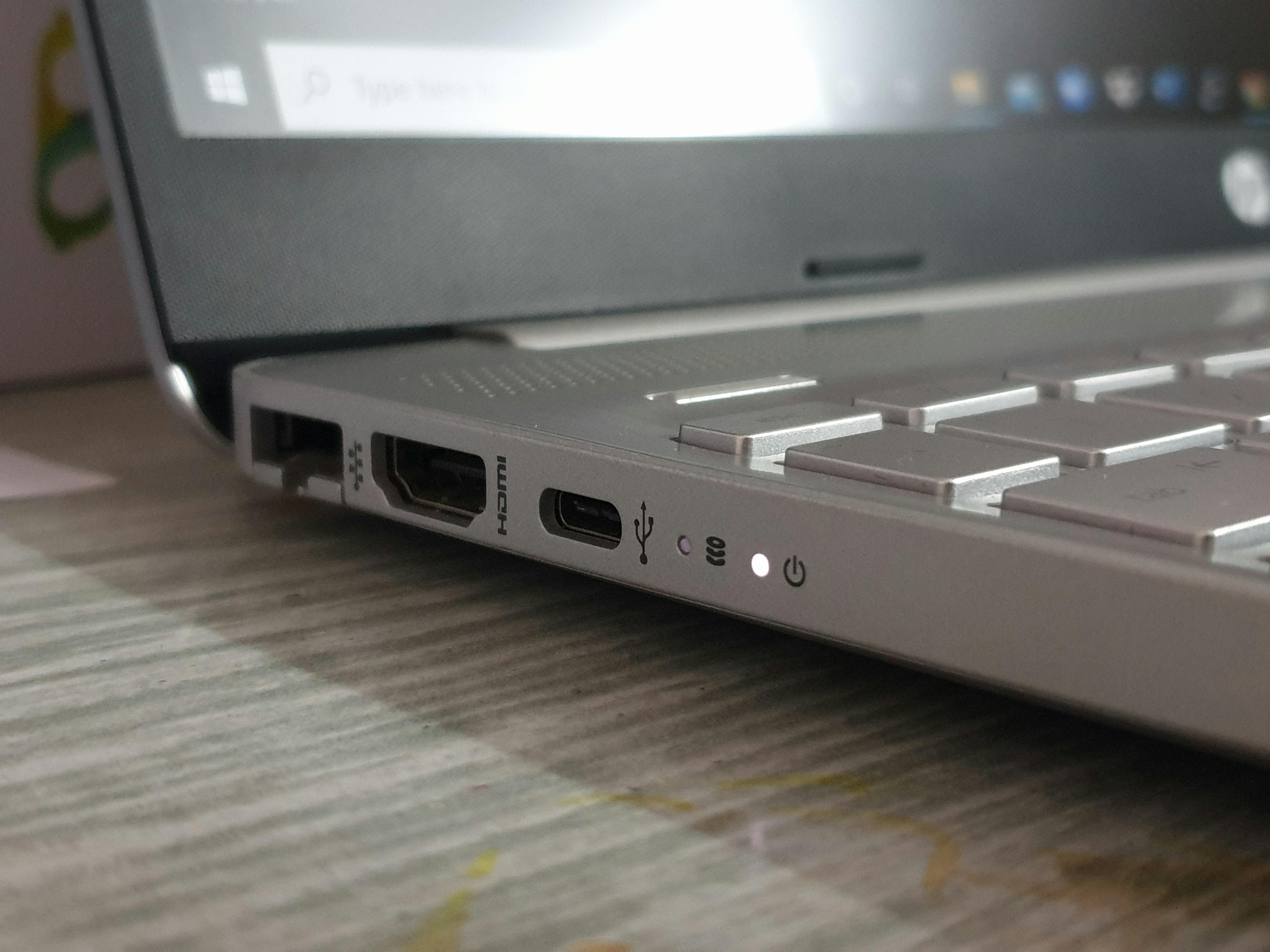
Why Chromebook Charging Ports Fail So Often in Classrooms
Ask any K-12 IT technician which repair they see most, and charging port damage will be somewhere near the top of the list. It's not a fluke. The...
4 min read

Max Villarreal : Apr 14, 2026 9:30:00 AM
Hinge damage lands on the repair bench often, and without much warning. A student opens a Chromebook too wide, stacks it under three textbooks, or forces it shut with one hand on the corner of the screen. The hinge flexes, the plastic housing cracks, and suddenly you have a device that won't stay open without propping it against something. Multiply that across a fleet of 2,000 or 5,000 devices, and Chromebook hinge repair becomes a recurring line item that most districts never budget for explicitly.
The mechanics behind hinge failure are consistent enough that, once you understand them, you start to see the damage coming before it arrives.
Most Chromebook hinges use a friction-based torque design which includes two rotating metal barrels that hold the lid at whatever angle you open it to. The metal itself is usually durable. The weak point is the housing around it. Chromebooks built for K-12 use are often made with polycarbonate or ABS plastic cases that keep costs low, but those materials crack under stress. When a student opens the lid past 180 degrees, drops the device with the lid open, or repeatedly slams the screen shut, the screws anchoring the hinge into the plastic chassis begin to strip. Once they strip, the hinge rotates against nothing, and the lid becomes unstable.
Hinge and frame issues rank as the third most common repair category seen in K-12 repair operations, trailing only broken screens and battery replacements. That placement understates the problem somewhat, because hinge damage tends to compound: a loose hinge stresses the LCD cable, which leads to display artifacts; an open crack in the chassis collects debris, which leads to keyboard and cooling issues. What starts as a $40–60 hinge repair can become a $120 multi-part job if it sits in the queue too long.
Standard office use puts a laptop hinge through a few dozen open-close cycles per day. A student device in a 1:1 program can go through that in a single class period, especially at the elementary level where handling habits are still forming. The lid gets opened by one corner, closed with a palm-smack, or folded back further than the design tolerates because a student wants to show their screen to a neighbor.
Cart charging compounds the wear in a different way. Devices stacked in carts are often jostled during transport, and students sometimes pull Chromebooks out by the lid rather than the base. A single aggressive pull while the device is wedged between two others in a cart slot exerts the kind of torque the hinge housing isn't designed to handle.
Cases help, but only up to a point. Cases add weight, which increases the stress on hinges every time the lid opens. Some case designs also restrict the range of motion just enough to cause students to force the lid, which accelerates wear rather than preventing it.
You can't engineer out every hinge failure, but you can reduce frequency and catch damage before it escalates. A few practices that make a measurable difference:
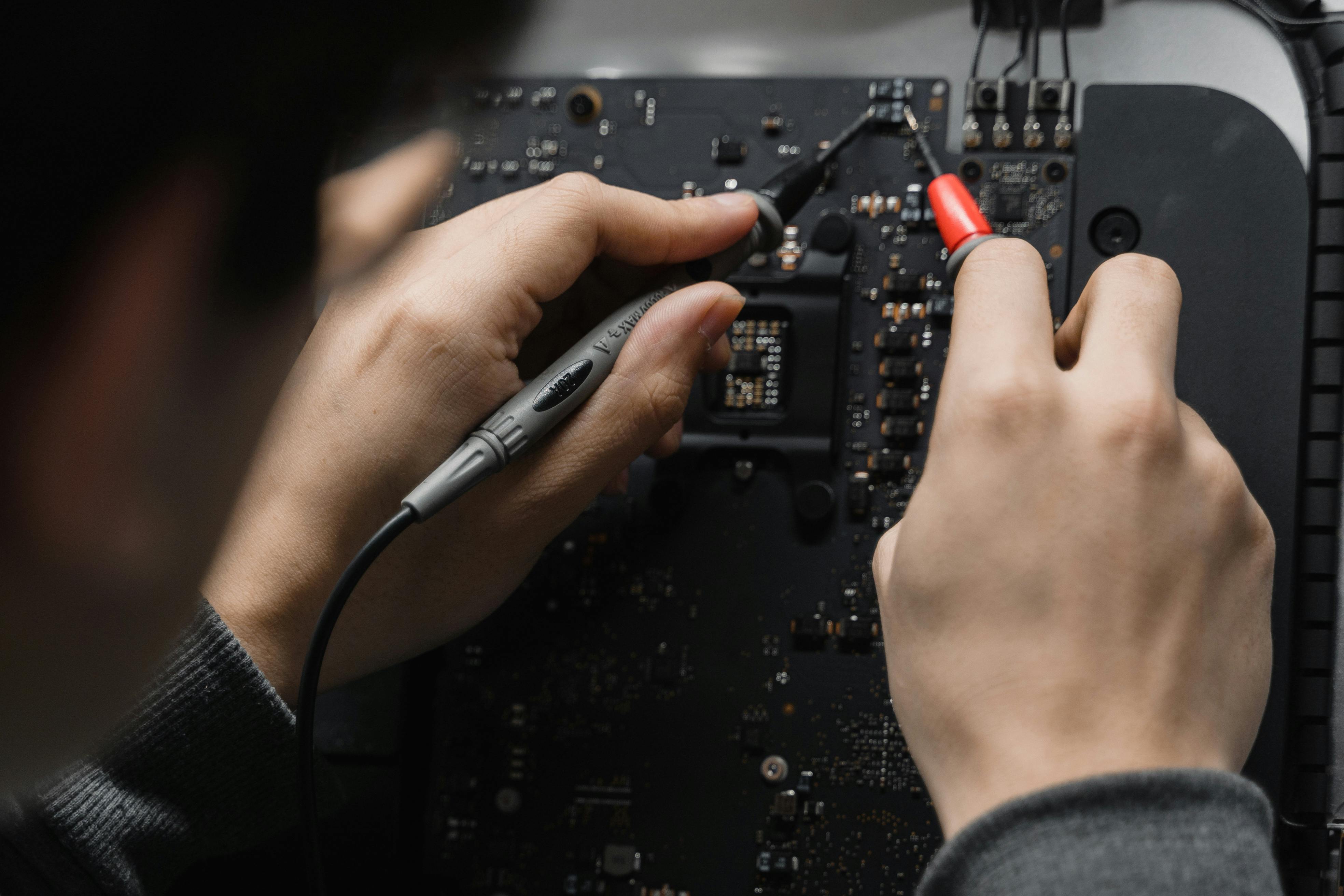
Hinge repair is almost always worth doing on a device with more than two years of useful life remaining. The repair itself is straightforward for an experienced technician: remove the bezel, access the mounting screws, replace the hinge assembly and housing if cracked, reassemble. Labor and parts combined typically run well under the threshold where replacement becomes more economical.
The math shifts when the device is within 12–18 months of its Auto Update Expiration date or already out of warranty. At that point, spending on hinge repair delays the replacement conversation without changing when it arrives. Districts managing devices in that window might find that iTurity's per-occurrence repair model gives them the flexibility to repair selectively, handling devices with clear remaining life while routing others toward refresh planning.
For districts looking further ahead, reducing overall repair volume factors directly into how long a fleet can stay in service. A device that reaches its fifth or sixth year without major structural damage is a device that doesn't need early replacement, and that's where proactive lifecycle management pays off in ways that hinge repair alone can't.
Patterns in hinge repair data are worth paying attention to.
Most IT directors don't have a clean view into repair patterns because ticket data lives in one system and repair history lives in another. Getting that data into one place, even a simple spreadsheet, is enough to start seeing where hinge damage is coming from and whether your current practices are actually reducing it.
Districts that treat Chromebook hinge repair as a random operational cost will keep absorbing it unpredictably. Districts that treat it as a pattern-based maintenance problem start to get ahead of it.
iTurity's repair programs give IT teams a consistent partner for working through device backlogs and building the repair history data that makes fleet decisions cleaner. Reach out to learn how per-occurrence repair or a protection plan can fit into how your district manages device damage.
Ask any K-12 IT technician which repair they see most, and charging port damage will be somewhere near the top of the list. It's not a fluke. The...

When a Chromebook screen cracks or a keyboard stops responding, the default instinct for many districts is to handle it internally.
Battery swelling is one of the most common, and disruptive, issues school districts face with iPad fleets.