Max Villarreal

Prepare your district's devices and infrastructure for hybrid and weather closure learning days that count and keep instruction moving.

3 min read

How Technology Keeps K-12 Learning Going on Weather Closure Days

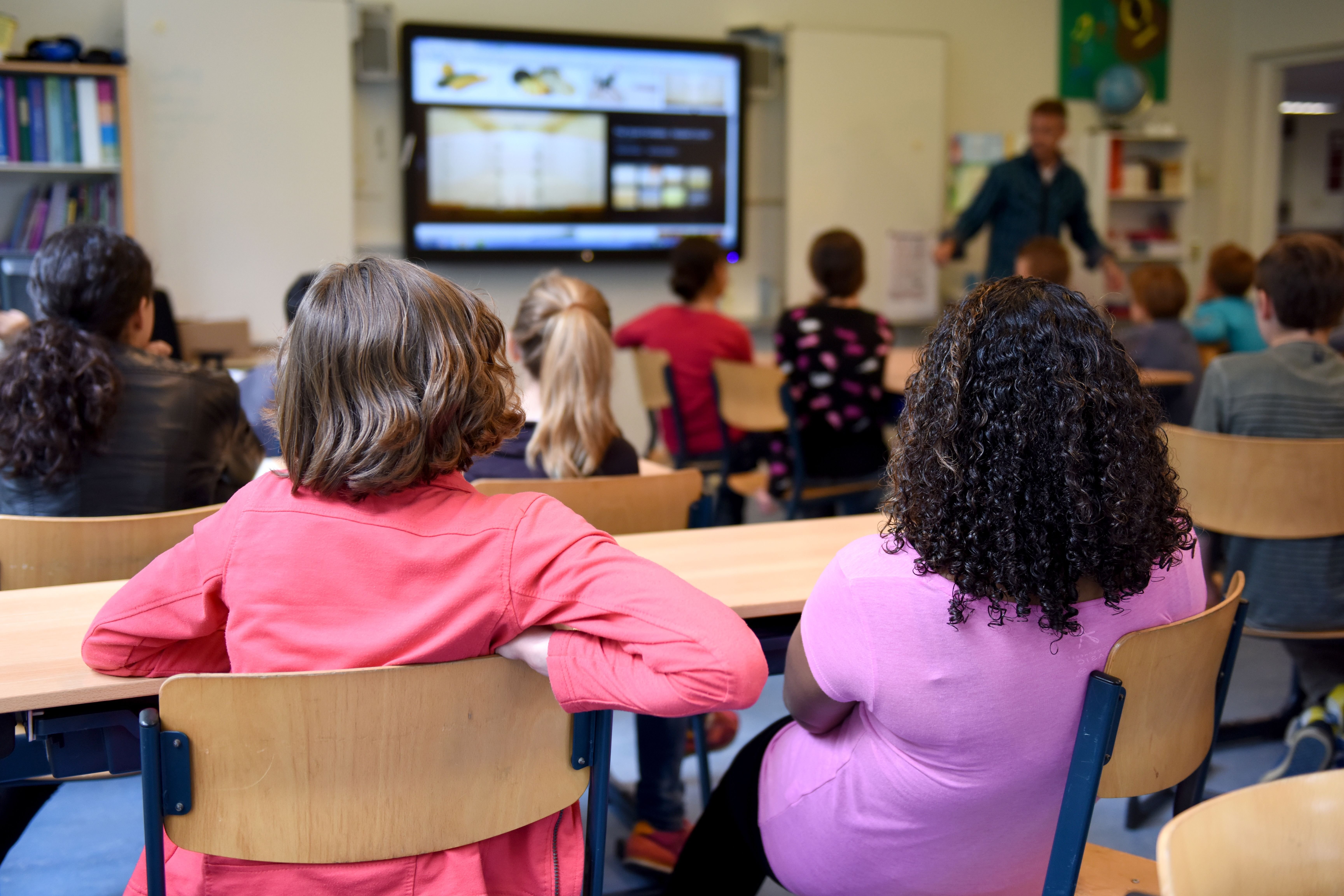
Snow days used to mean a full pause in instruction. Most states now permit or actively encourage districts to convert weather closures into remote learning days, and the model has expanded far beyond emergency use.

Read More
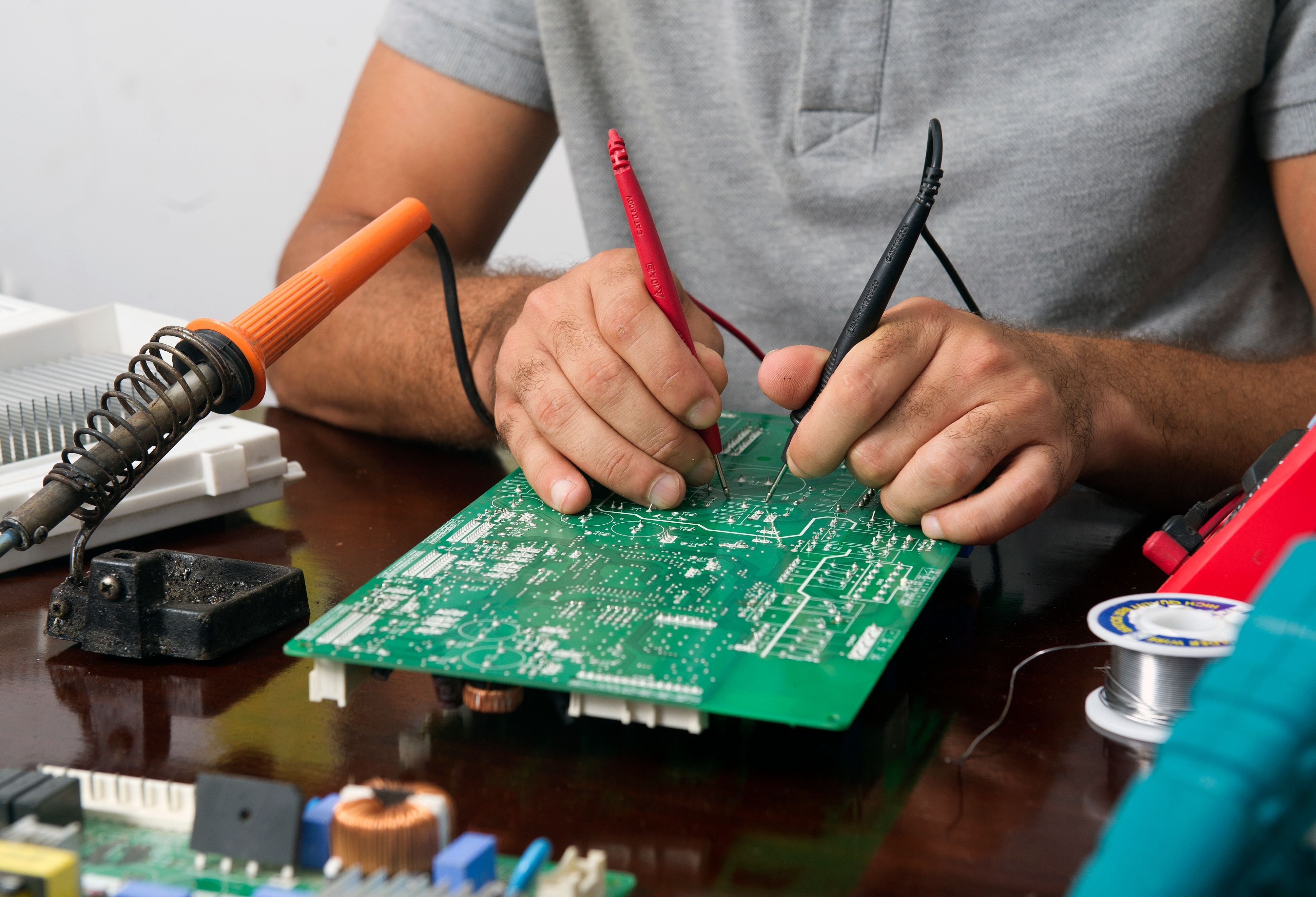
Spot internal cable wear in student devices before it becomes a misdiagnosis. Learn the symptoms K-12 IT teams see most on Chromebooks and laptops.

4 min read

Signs of Internal Cable Wear in Student Devices

Intermittent screen flicker. A touchpad that works on Tuesday and not on Thursday. A Chromebook that takes three restarts to display properly. These...

Read More
Learn how liquid damage reaches school devices, what it does inside the hardware, and what recovery options K-12 IT directors should have ready.

3 min read

How Liquid Damage Happens in Classrooms and Recovery Options

A student reports their Chromebook stopped working. You pull the ticket, power it on, and it boots fine. Three weeks later it comes back dead, and...

Read More
Discover how dust and debris degrade school device performance, shorten device lifespans, and what K-12 IT directors can do about it.

3 min read

How Dust and Debris Degrade School Device Performance Over Time

Dust is rarely at the top of a K-12 IT director's concern list. Cracked screens, failed keyboards, dead charging ports are usually the repairs that...

Read More
Hinge damage is one of the most common Chromebook repairs in K-12. Learn why it happens and how districts can manage it before costs add up.

4 min read

Why Laptop Hinges Break in K-12 Schools and What to Do About It

Hinge damage lands on the repair bench often, and without much warning. A student opens a Chromebook too wide, stacks it under three textbooks, or...

Read More
Keyboard failures interrupt instruction, hurt test scores, and strain IT teams. Learn what causes them and how K-12 districts can prevent the damage.

3 min read

How Keyboard Failures Affect Student Learning and What Districts Can Do

Keyboards are the most heavily worn component on any student device. They absorb spilled water, get jammed with debris, lose keycaps to rough...

Read More
Intermittent Wi-Fi issues in student laptops drain IT time and disrupt learning. Here's how to diagnose whether the problem is the device, the network, or both.

4 min read

Diagnosing Intermittent Wi-Fi Issues in Student Laptops

Intermittent Wi-Fi is one of the most time-consuming problems in K-12 IT support. A student says their Chromebook keeps dropping the connection. You...

Read More
Before assuming in-house is cheaper, K-12 IT directors need to see the full cost picture. Here's how to compare device repair models honestly.

3 min read

What K-12 Districts Spend on Device Repair: In-House vs. Outsourced

When a Chromebook screen cracks or a keyboard stops responding, the default instinct for many districts is to handle it internally.

Read More
Charging port damage is one of the most common Chromebook repairs in K-12. Here's why it happens so often, and what IT directors can do about it.

4 min read

Why Chromebook Charging Ports Fail So Often in Classrooms

Ask any K-12 IT technician which repair they see most, and charging port damage will be somewhere near the top of the list. It's not a fluke. The...

Read More
K-12 IT leaders can delay costly device refreshes and reduce capital expenditures by extending Chromebook and laptop life through proactive repair strategies.

4 min read

How K-12 Districts Can Extend Device Life and Delay Capital Expenditures

Every IT Director knows the feeling: the fleet is aging, the budget cycle is tight, and the refresh conversation is starting earlier than anyone...

Read More